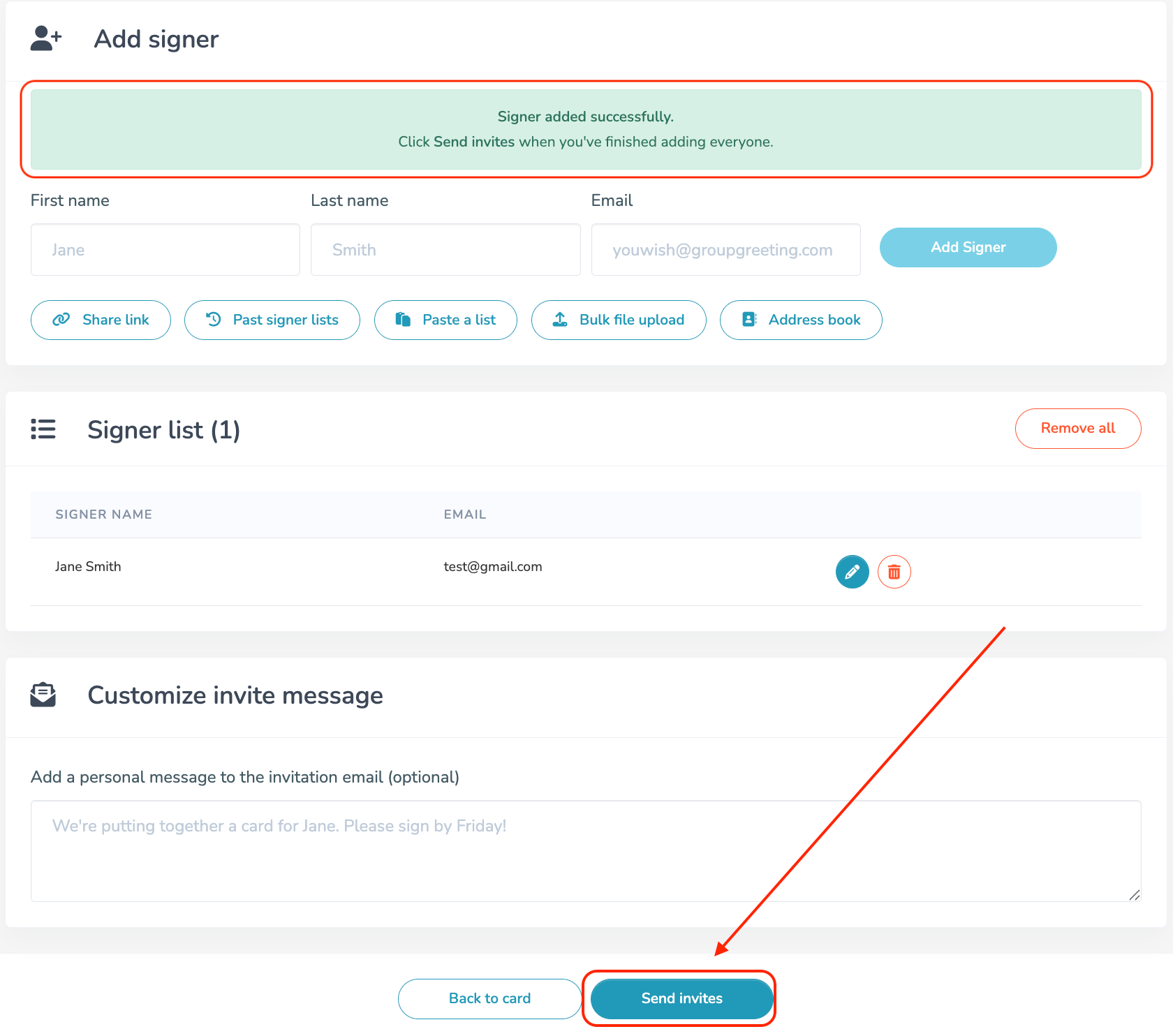
First, make sure you clicked the Send invites button at the bottom of the invitation screen after entering the email addresses (see example below).
Invitation emails are sent from noreply@invites.groupgreeting.com — please have your signer check their spam or junk folder in case it was filtered there.
If they still can't locate it, our emails may have been quarantined by your company email server for further processing. The "Sent/Delivered" status means that the recipient domain accepted the email, but we have no visibility or control over whether the email was quarantined or where the email was placed (inbox/spam/junk).
To help with future deliverability, what we recommend is to send a quick email to your IT team and request to add our domain "groupgreeting.com" and email "noreply@groupgreeting.com" to your approved email senders list. We've seen this fix things almost immediately.
For now, you can share the card link directly with them so they can sign without needing the email.
Was this article helpful?
That’s Great!
Thank you for your feedback
Sorry! We couldn't be helpful
Thank you for your feedback
Feedback sent
We appreciate your effort and will try to fix the article